
Appearance
Books & Entities
Two ideas carry all of Writingale: a book is a folder, and everything in it is an entity.
The book folder
Your book lives in an ordinary folder you choose — no library buried in the app, no proprietary bundle. Inside it, Writingale keeps one folder per kind of thing (Chapters, Characters, Notes, …), each holding one plain text file per thing. There are also a couple of small settings files, and an Export/ folder where exported manuscripts land without getting mixed into the book itself.
Writingale watches the folder. If you edit a file in another app — or a sync service updates it — Writingale notices and reloads; Reload from Disk (⌘R) forces a refresh if you ever want one. The exact file format is documented in the file format reference, but you never need to know it to use the app.
One book is open at a time. To switch, choose File → Close Book (⌘⇧W): you land back on the welcome screen, where you can pick a recent book, open another folder, or start a new one. Anything unsaved is offered to you first, so closing never loses work.
Entities
Everything in your book is an entity: each chapter, each character, each location, each note. An entity is one file — its written body plus a few recorded facts (its name, its kind, its place in the story). Three of those facts matter everywhere:
- Its identity — behind the scenes, every entity carries a permanent ID that never changes. All links point at the ID, which is why renaming never breaks anything.
- Its kind — chapter, character, faction… The kind decides what the entity can do: whether it's part of the manuscript, whether it has a completion status, what fields the inspector offers.
- Its name — what you see everywhere in the app. Change it freely, whenever, and every mention across the book follows.
References
Entities mention each other in two ways:
- In your prose — type
[[and pick from the popup. The mention reads as the entity's current name, in the accent color; you can also give it your own wording ("her brother") while it still points at the right character. - In their facts — a chapter's cast list, an item's owner, a note's target are references too, edited in the inspector.
Both kinds count. The inspector's Referenced By section lists everything that points at the current entity, and the graph draws the whole web.
Why renaming is always safe
On disk, every mention records the entity's permanent ID, never its name. The editor shows you names; export writes them out. Between those two moments, nothing anywhere depends on what something is currently called — so call it whatever the draft needs today.
Where entities live in the UI
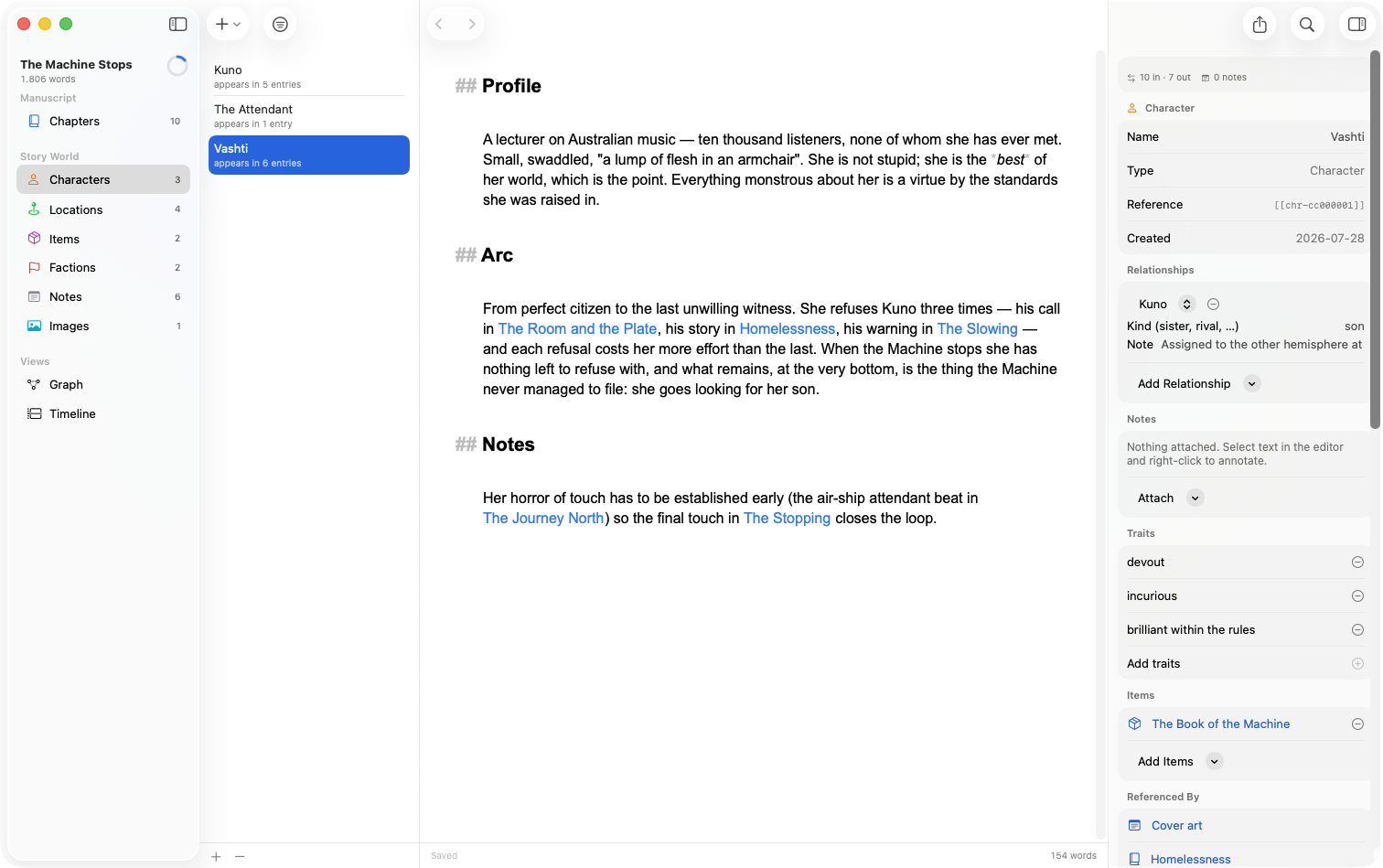
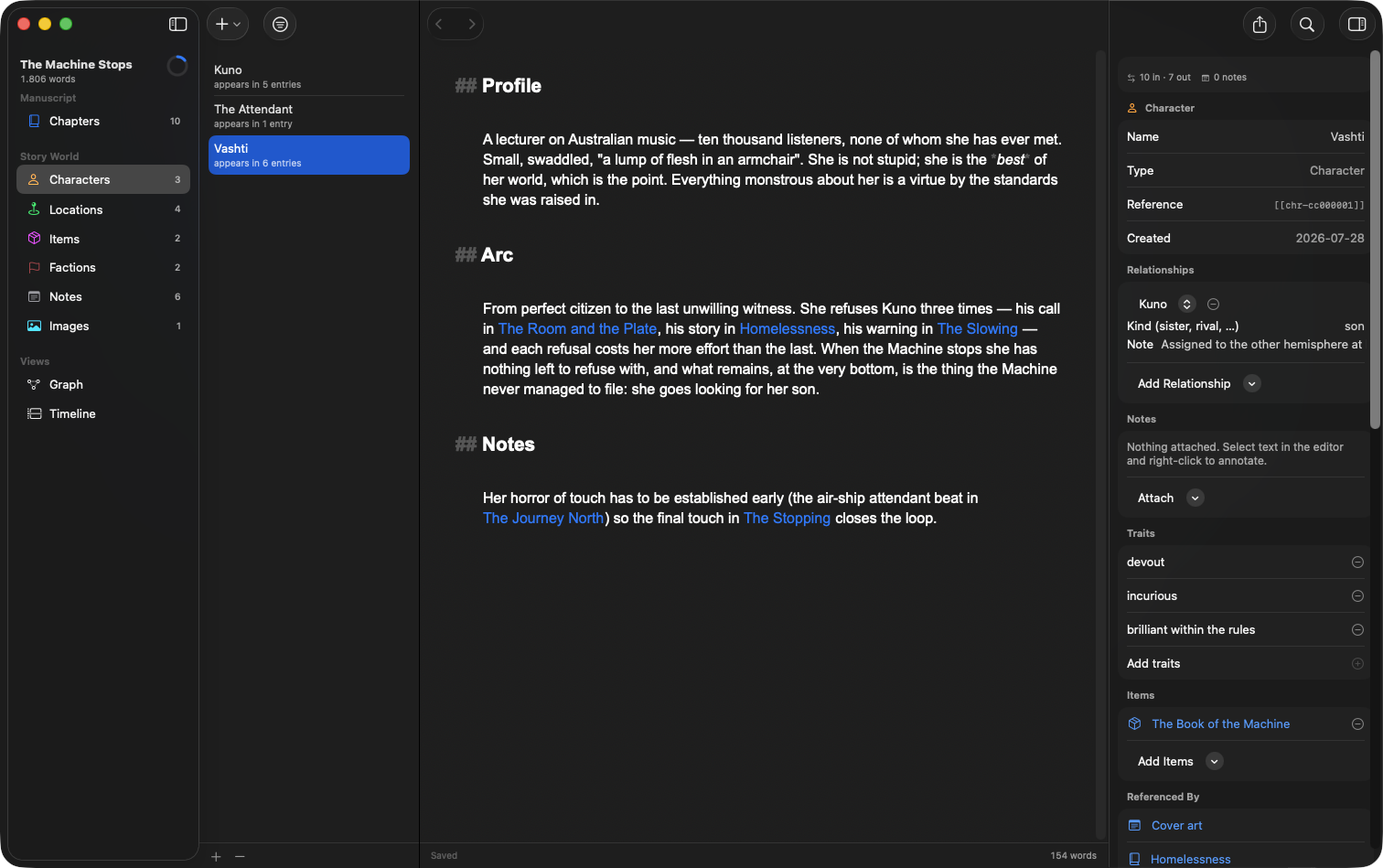
- The sidebar groups the kinds into sections (Manuscript and Story World, by default) and lists the whole-book views (Manuscript, Graph, Timeline), which open as tabs in the editor.
- The list shows everything of the selected kind — for manuscript kinds, as a nested tree with progress rings and word counts.
- The editor shows the selected entity's text.
- The inspector shows its facts: identity, status, goal, story time, relationships, fields, backlinks, journey. See The Inspector.
Problems are never fatal
If a file has something Writingale can't read — a hand-edit gone wrong, a half-synced file — the app loads everything it can and reports the rest, instead of refusing to open your book. Files it can't classify appear as "Unrecognized" and are left exactly as they are.