
Appearance
Search & Filtering
Filtering the list
The list column has an inline filter bar (the filter button above the list). Type to narrow the visible entities, and use the scope chip to say where to look:
| Scope | Matches |
|---|---|
| Anywhere | All of the below |
| Name | Entity names only |
| Headings | Markdown headings in bodies |
| Body | Body prose |
| Comments | %% comment lines |
| Annotations | Annotation quotes and their targets |
| Fields | Custom field values |
Scoped search is how you ask questions like "where did I leave a %% TODO comment" or "which entities mention trap street in a heading" without leaving the keyboard.
Find in the current document
⌘F opens the standard find bar in the editor; ⌘⌥F adds replace. This is per-document — use the list filter for project-wide questions.
Finding things in the graph and the timeline
⌘F means "find in what I'm looking at". With a graph or timeline tab in front, it opens that view's own search field instead of the editor's find bar — the same key, the same Edit → Find… menu item, the same toolbar button.
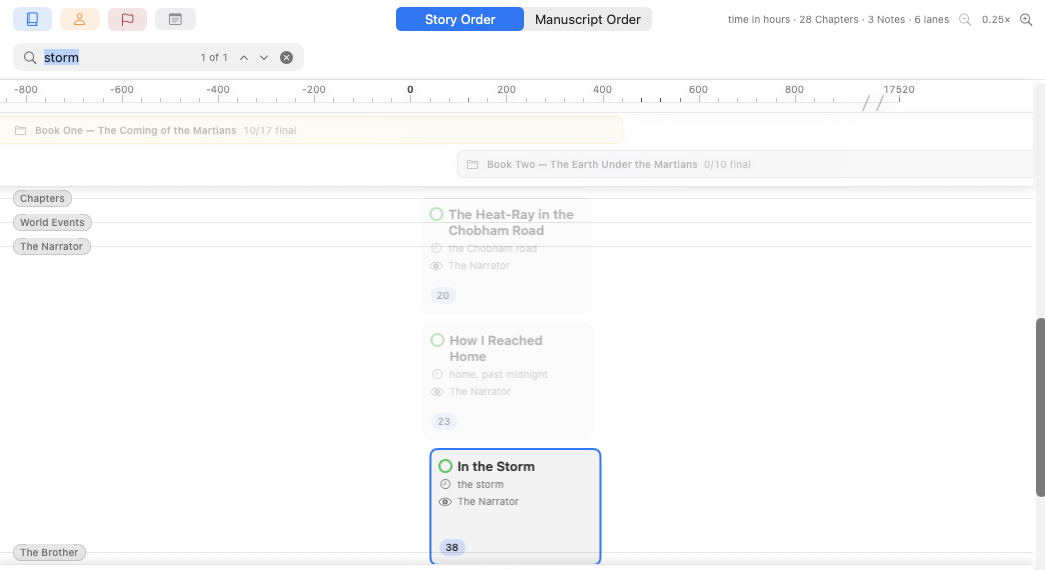
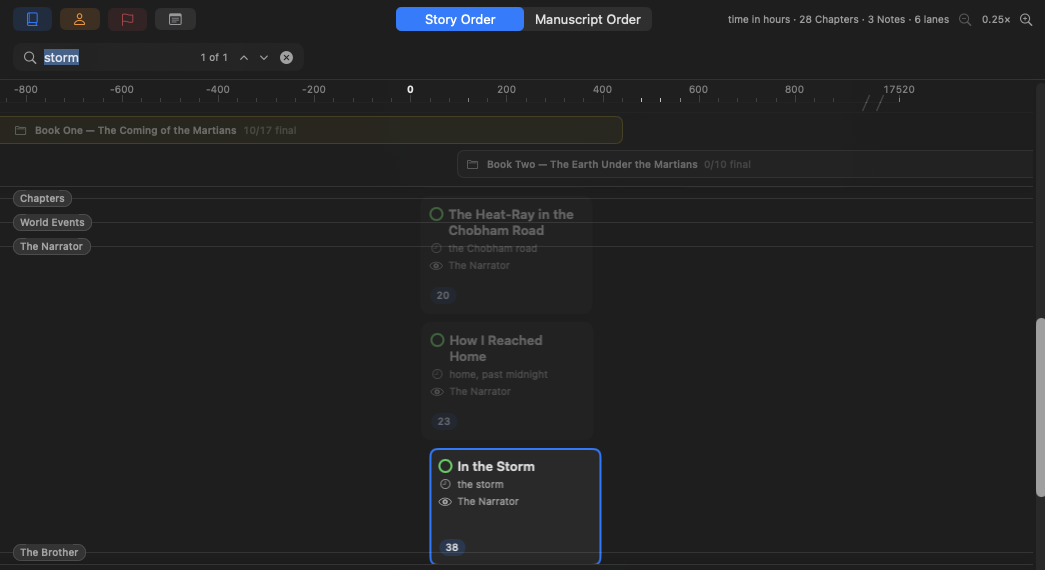
What it does is highlight, not filter. Everything that matches keeps its place and gains a coloured ring — nodes in the graph, cards and part bands on the timeline — while everything else fades back. A character you searched for stays surrounded by the chapters they appear in; you can see where the answer is, not just what it is.
Beside the field, "3 of 12" counts the matches. The ⌃ and ⌄ chevrons — or Return — step through them in reading order and wrap around at the ends. Stepping brings each match to the middle of the view: the graph pans to it, the timeline scrolls to its row. Nothing extra is drawn around the one you're on — bringing it into view is the answer.
Press ⌘F again to jump back into a field that's already open; Esc or the ✕ closes it and restores the view. An empty field dims nothing, and exported PDFs never carry the highlighting.
Navigation as search
Two features often replace searching entirely:
- Referenced By in the inspector — instant backlinks for the selected entity.
- ⌘-click on any
[[reference]]— jump straight to the mentioned entity, then ⌘[ to come back.